Nepenthes | 繁體 | 简体
Mac Client
Nepenthes supports both iOS and Mac Client.
Mac Project Initialization
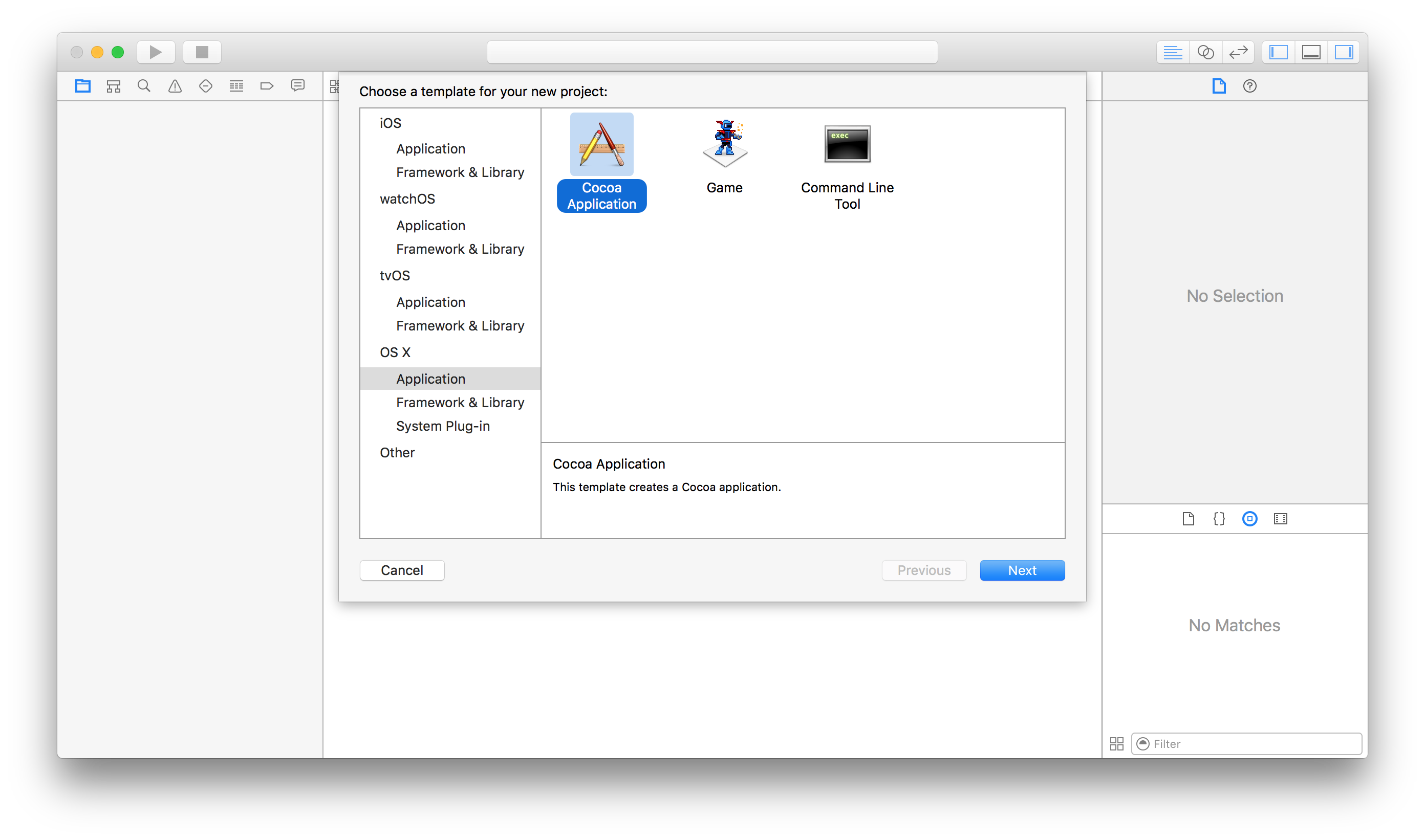
- Create a OS X Cocoa Application:NepenthesClient
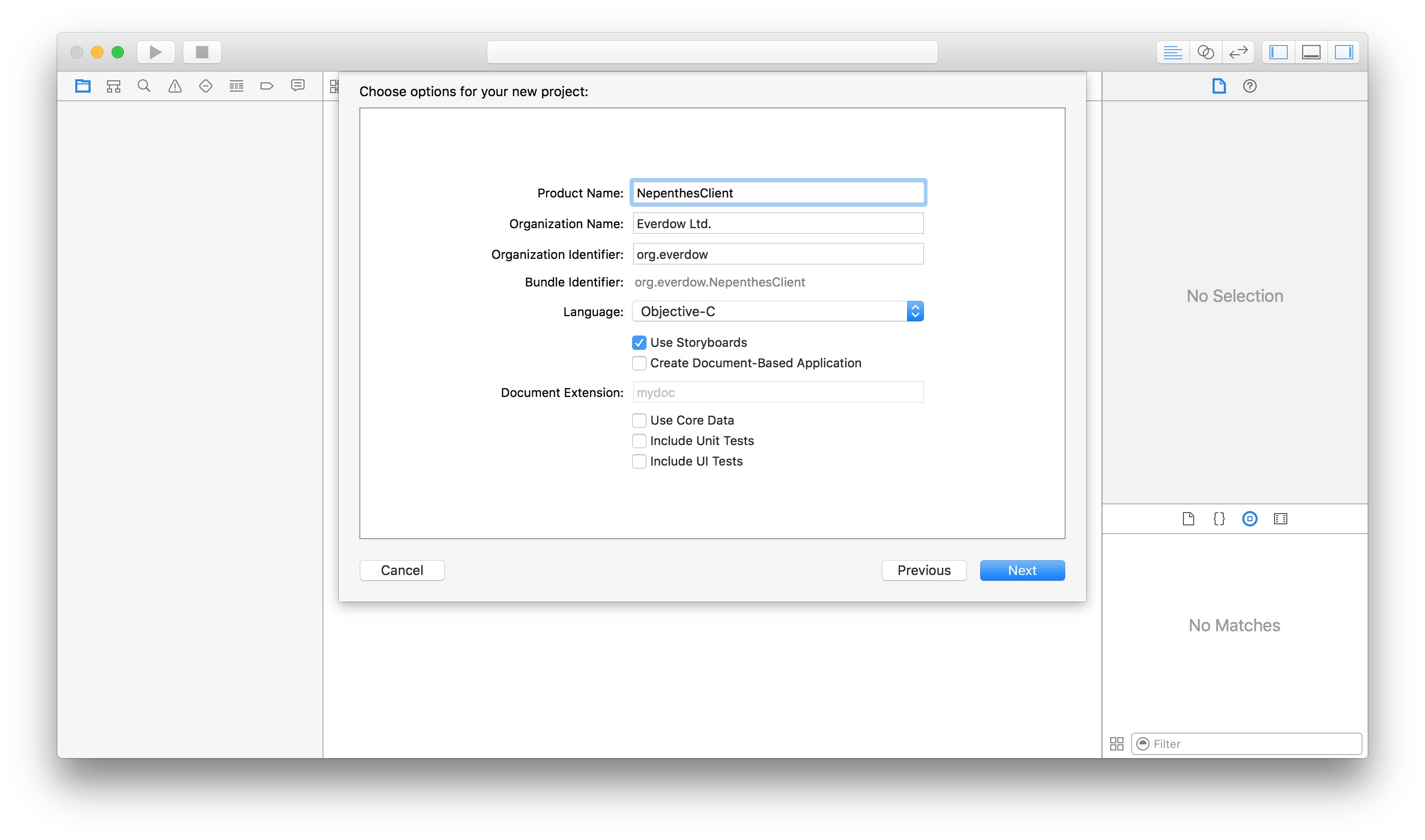
- Select Objective-C language and checked Use StoryBoards.
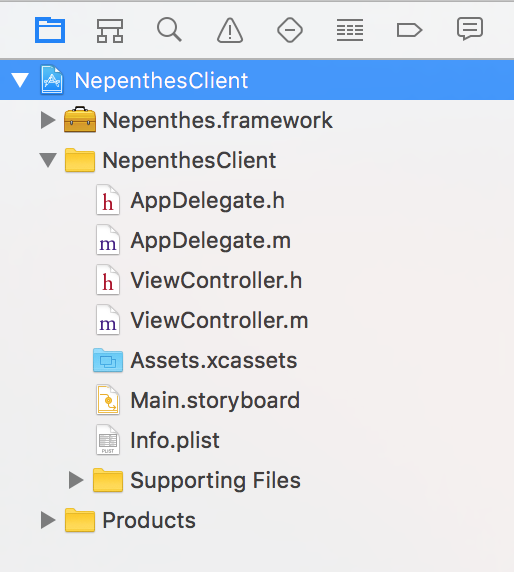
- Download Nepenthes.framework.zip,unzip it,drag Nepenthes.framework to the project.
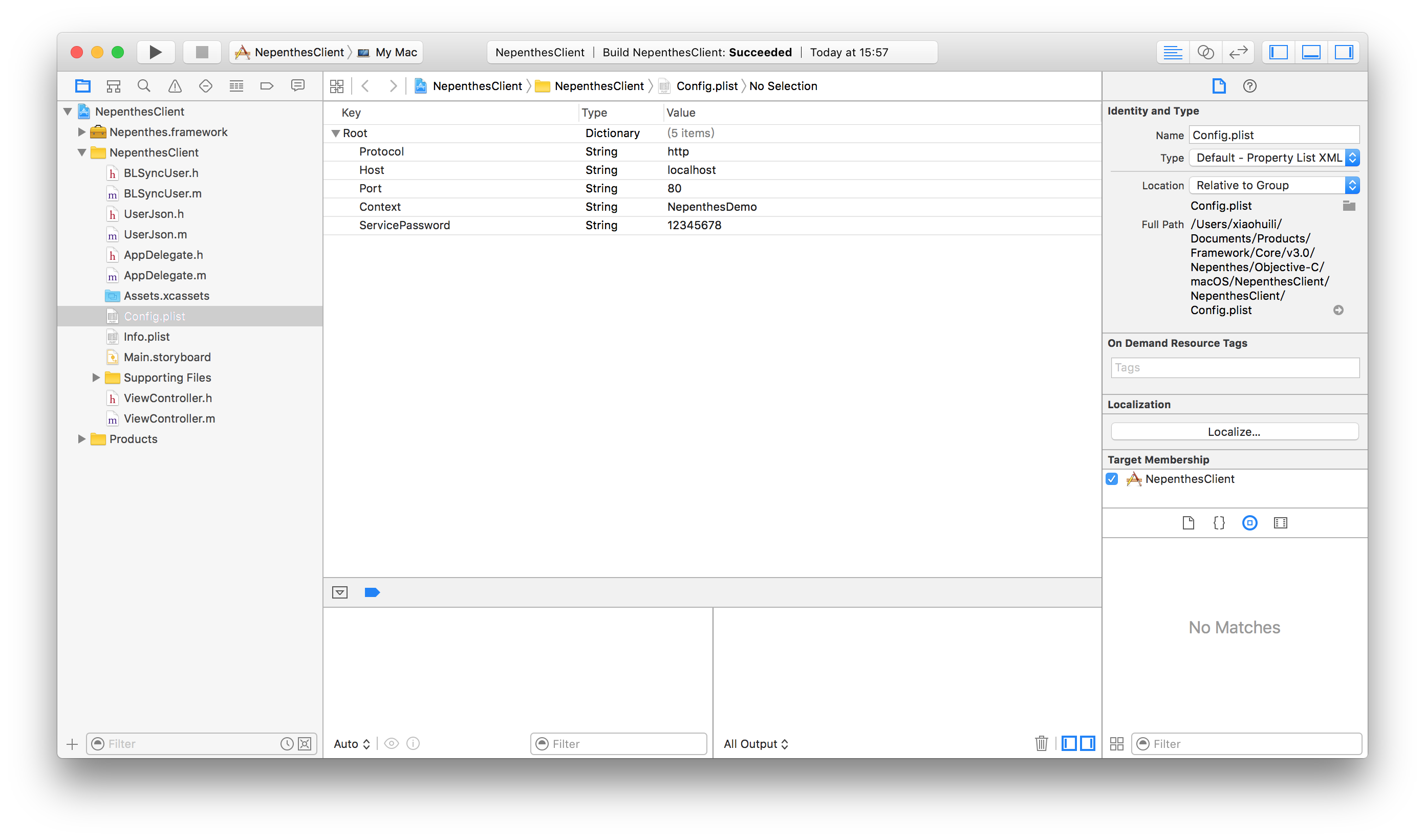
- Create Config.plist with the following contents.(Make sure Host and Port are your own specified values.)
- In order to make App call server,you need add the following codes to info.plist
- Download Mac Client Xcode Project
Json Object and BLSync Object
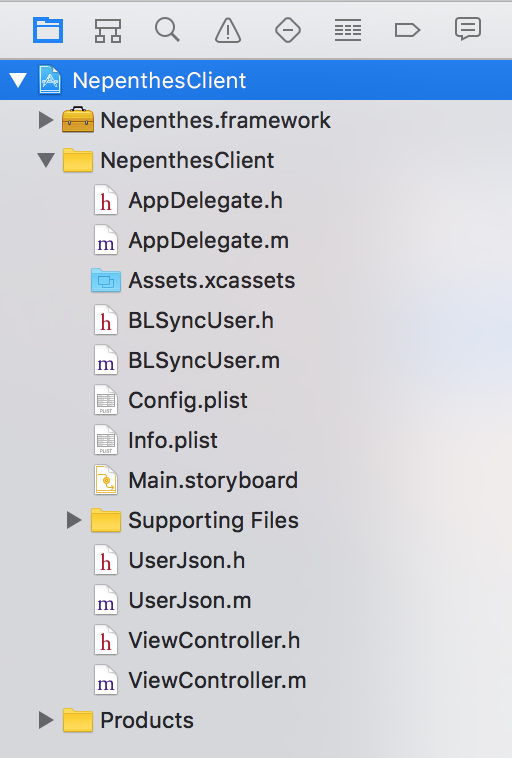
We will use the same source codes from iOSClient,please download the following files and drag them to your project.
Invoke backend service
- We will invoke backend service in ViewController.h and ViewController.m
- ViewController.h
- ViewController.m (you can uncomment different blocks to test that function)
Summary
The deveopment of Mac Client is very similar to iOS Client,only the Nepenthes framework is not same and the Json & BLSync header files imports. Congratulation,you have reached to the end of the Nepenthes Quick Guide,we are looking forword you to create your own iOS or Mac enterprise applications.