Nepenthes | 繁體 | 简体
iOS Client
Demostrate you how to revoke backend service.
Prerequisites
- Connected iOS device to your Mac.
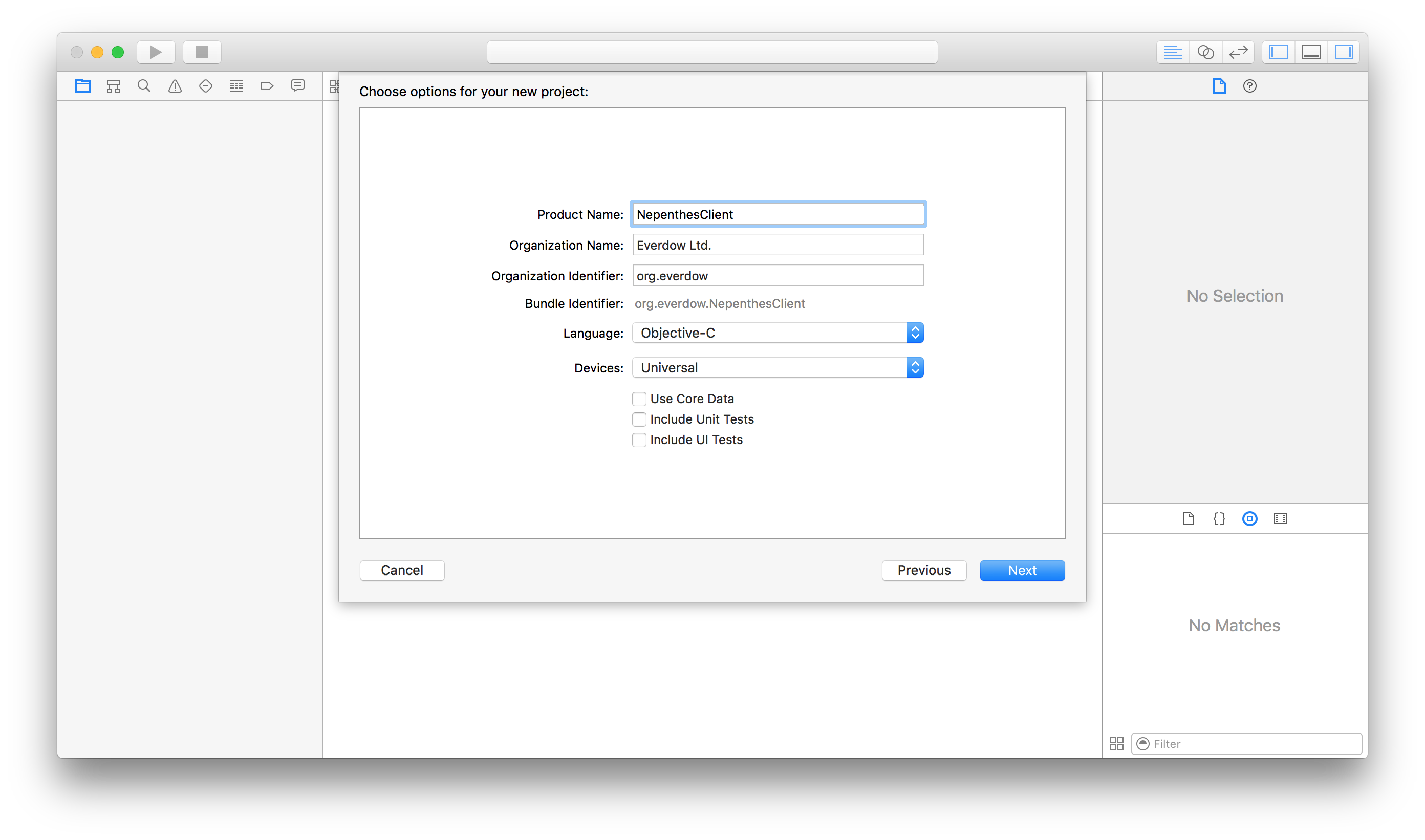
- Create an iOS project with Single View Application:NepenthesClient,Language:Objective-C Devices:Universal.
- Download and unzip it.
- Nepenthes.framework.zip (Generic iOS Device)
- Nepenthes.framework.zip (iPad Air Simulator)
- Nepenthes.framework.zip (iPad Air 2 Simulator)
- Nepenthes.framework.zip (iPad Pro 9.7 inch Simulator)
- Nepenthes.framework.zip (iPad Pro 12.9 inch Simulator)
- Nepenthes.framework.zip (iPad Retina Simulator)
- Nepenthes.framework.zip (iPhone 5 Simulator)
- Nepenthes.framework.zip (iPhone 5S Simulator)
- Nepenthes.framework.zip (iPhone 6 Simulator)
- Nepenthes.framework.zip (iPhone 6 Plus Simulator)
- Nepenthes.framework.zip (iPhone 6S Simulator)
- Nepenthes.framework.zip (iPhone 6S Plus Simulator)
- Nepenthes.framework.zip (iPhone 7 Simulator)
- Nepenthes.framework.zip (iPhone 7 Plus Simulator)
- Nepenthes.framework.zip (iPhone SE Simulator)
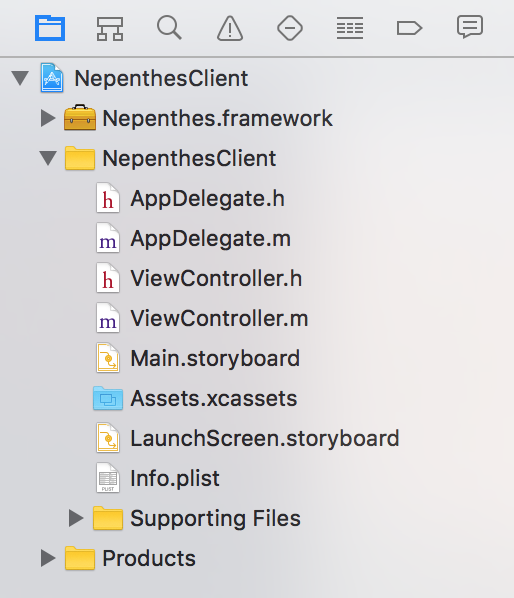
- Drag Nepenthes.framework to the project.
- Create Config.plist with the following contents.(Make sure Host and Port are your own specified values. Server is running on your Mac,iPhone will connect to your Mac,so please make sure the Host is the Mac address.)
- Xcode iOSClient Project Download

JSON Object
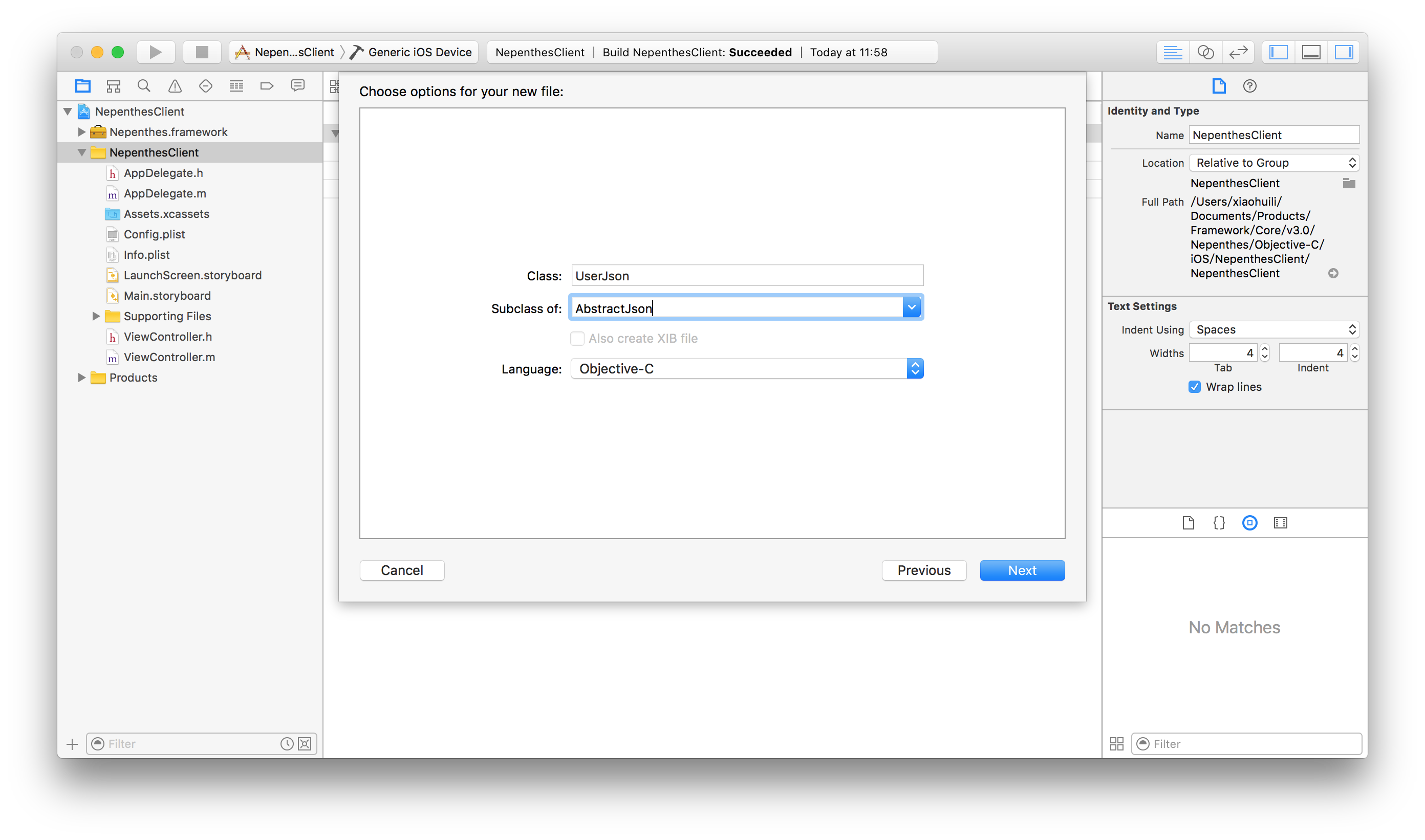
- Objective-C JSON Object mapping to backend Schema Object. All the mapping properties should all be NSString type. Create iOS class subclass of AbstractJson
- UserJson.h
- UserJson.m
BLSync Object
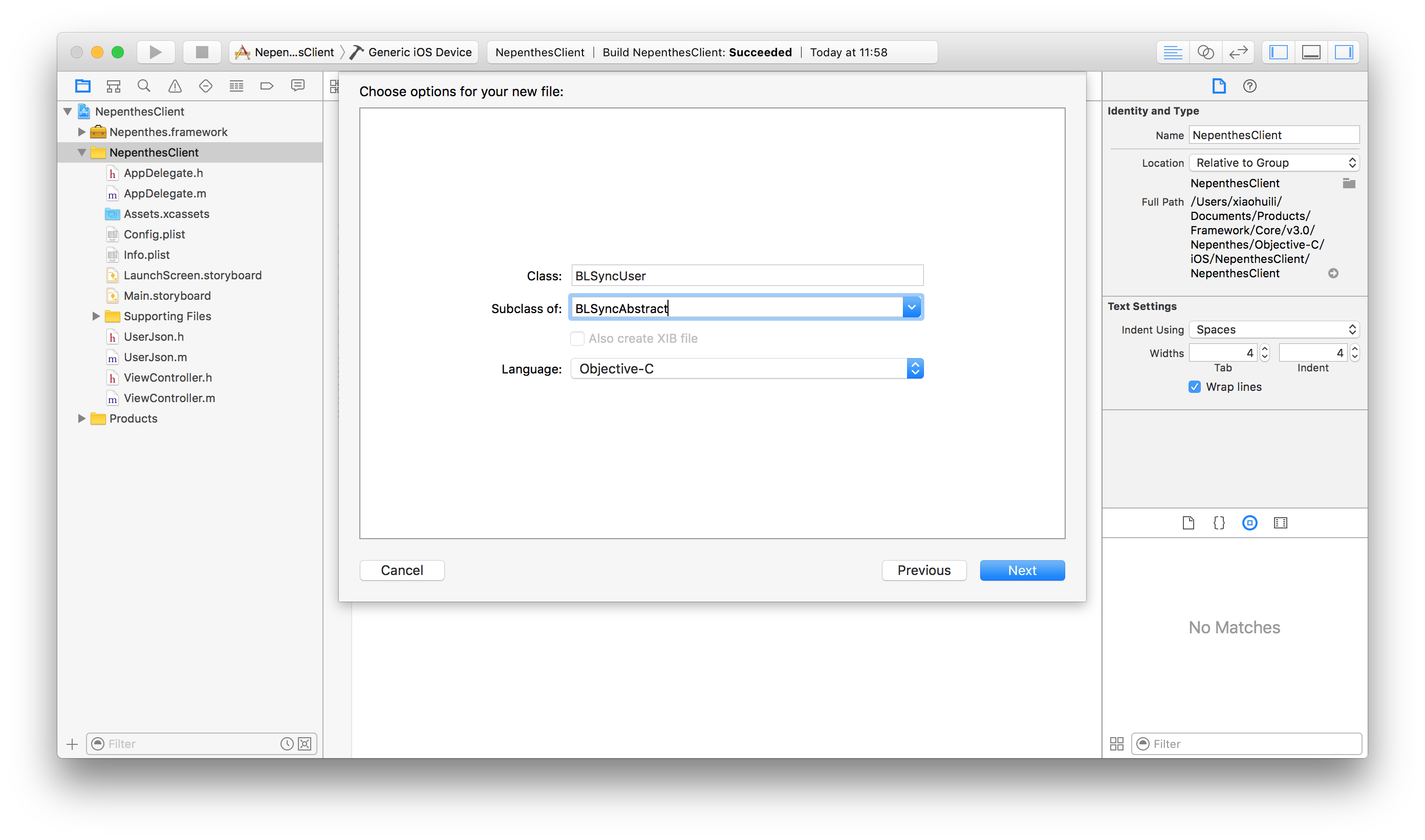
- All the Objective-C BL Objects start with BLSync prefix. BL object manipulate json object with backend service. Create BLSyncUser extended from BLSyncAbstract
- BLSyncUser.h
- BLSyncUser.m
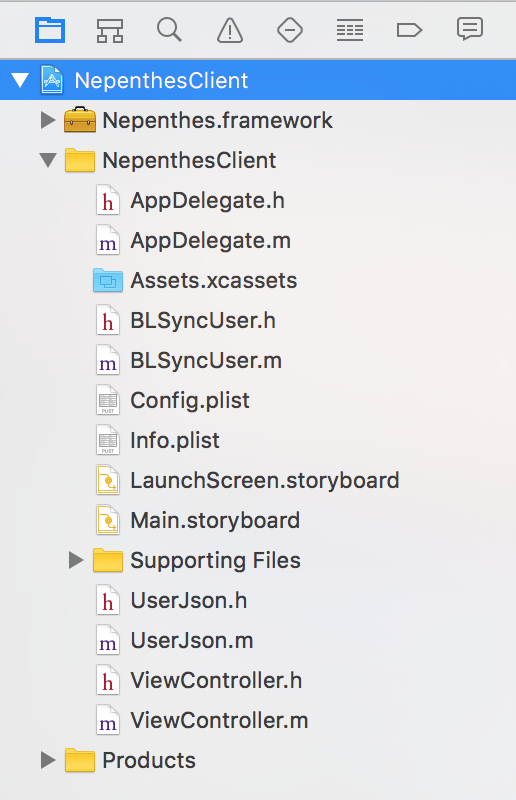
- So far your project should looks like
Invoke backend service
- In order to make App call server,you need add the following codes to info.plist
- We will invoke backend service in ViewController.h and ViewController.m
- ViewController.h
- ViewController.m (you can uncomment different blocks to test that function)
Summary
Json Object is mapped to backend Schema Object. BLSync Object provides the necessary function to manipulate database via backend service. With the following functions,you can manipulate almost all the operations to the remote database precisely. This chapter show you how to build a block for a sophiscated App.
//insert object to database
-(BOOL)insert:(UserJson *)json;

//delete records by where condition,whereClause is the strings after SQL key word WHERE
-(BOOL)delete:(NSString *)whereClause;

//delete record by ID
-(BOOL)deleteByID:(NSString *)ID;

//update record
-(BOOL)update:(UserJson *)json;

//getCount by where condition
-(NSInteger)getCount:(NSString *)whereClause;

//select all records by where condition
-(NSArray *)select:(NSString *)whereClause;

//select specified records by where condition
-(NSArray *)select:(NSString *)whereClause index:(NSString *)index step:(NSString *)step;

//getJson by ID
-(UserJson *)getJson:(NSString *)ID;